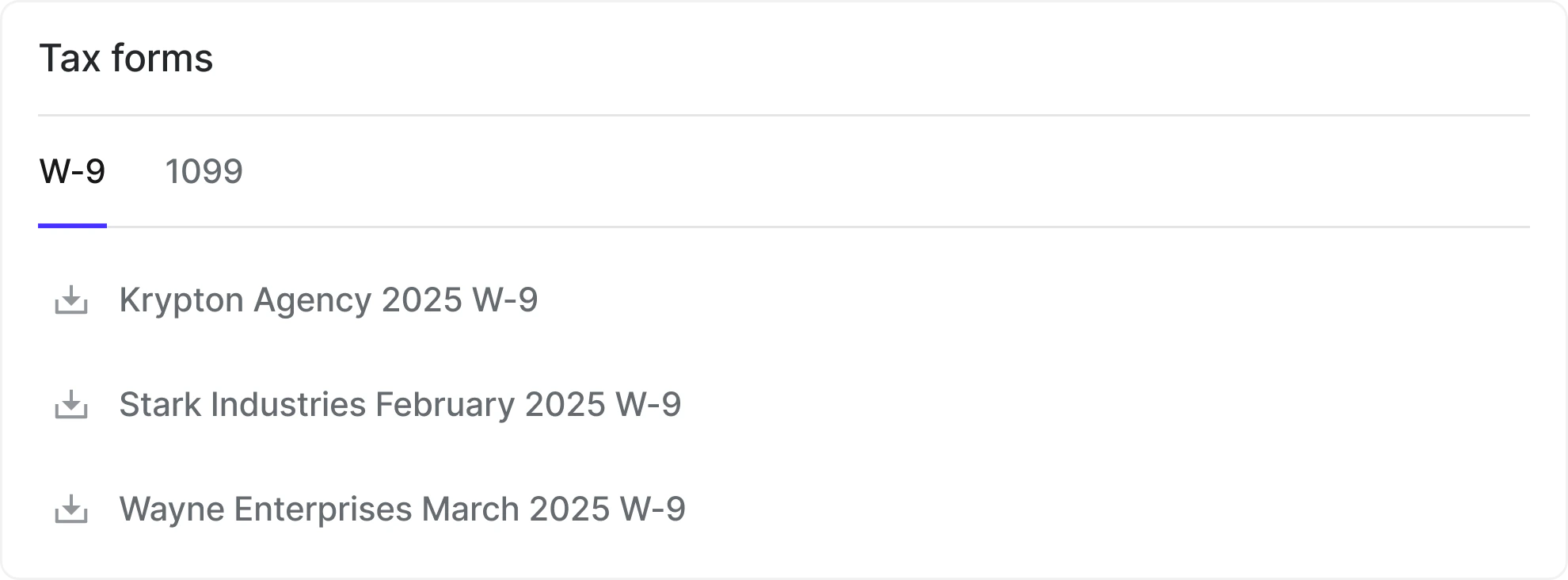
Karat automatically generates tax documents for payments you receive.

Available documents

  • W-9 or W-8 forms
  • 1099-MISC/NEC forms for eligible U.S. recipients

How to access

  1. Log in to your Karat account
  2. Go to Payment details and scroll to Tax forms
  3. Select the relevant year and download
Documents are updated automatically if your information changes. You are responsible for keeping your information current and reviewing your documents for accuracy. Tax Documents Page

Reimbursements and 1099-NEC totals

Payments that payers mark as reimbursements are excluded from 1099-NEC aggregation and from the tax-collection thresholds that trigger tax form requests. If a payment was misclassified, ask the payer to update it from the Payments dashboard. See Marking payments as reimbursements for details on how payers manage this classification.