

Transfer funds between Checking and ATP
You can move funds between your checking accounts and your ATP account at any time. If you have multiple checking accounts, you can also transfer between them.
To transfer funds, go to Banking > Move Money > Send Money > Internal Transfer.
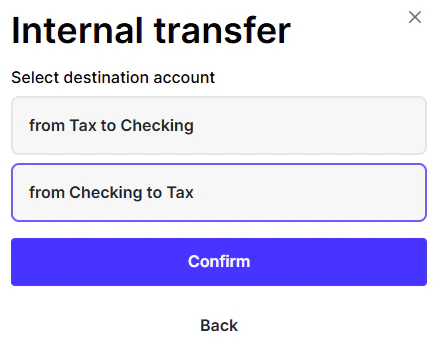
Select the source and destination accounts, enter the amount you’d like to move, review the details, and click Confirm.
Transfers are processed immediately and reflected in both account balances once completed. Ensure sufficient available balance in the sending account before initiating the transfer.