.svg?fit=max&auto=format&n=pUJV8HLlqxn-6T3g&q=85&s=040ceb56d48a4dec82a6093c659b88da)

Individual payments
Send a payment to a single recipient directly from the Payments dashboard.Bulk payments
Upload a CSV file to pay multiple recipients at once. A template is provided to help you format the file correctly.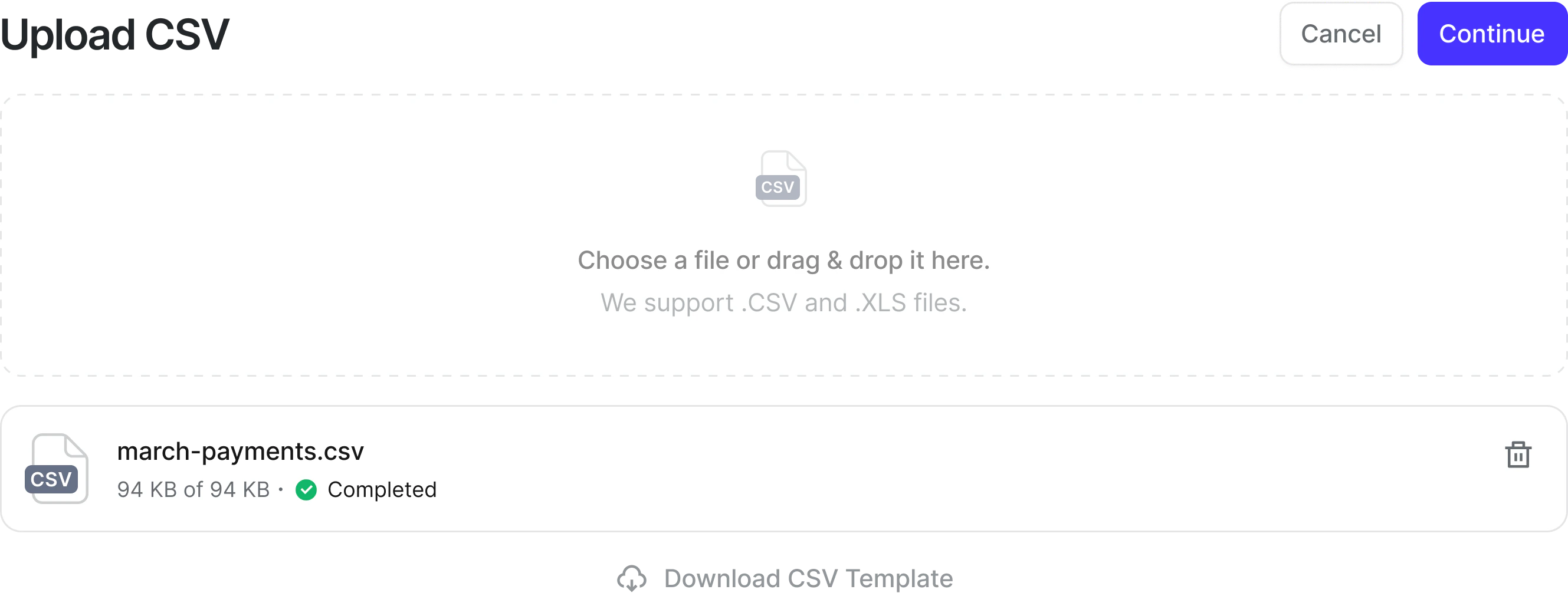
How to send a payment
- Go to Payments
- Select Send payments
- Add recipients or upload a CSV
- Review the confirmation screen and submit
To send international payments, you must first enable at least one
international payment method. See
How to access Payments
for setup instructions.
Tracking payments
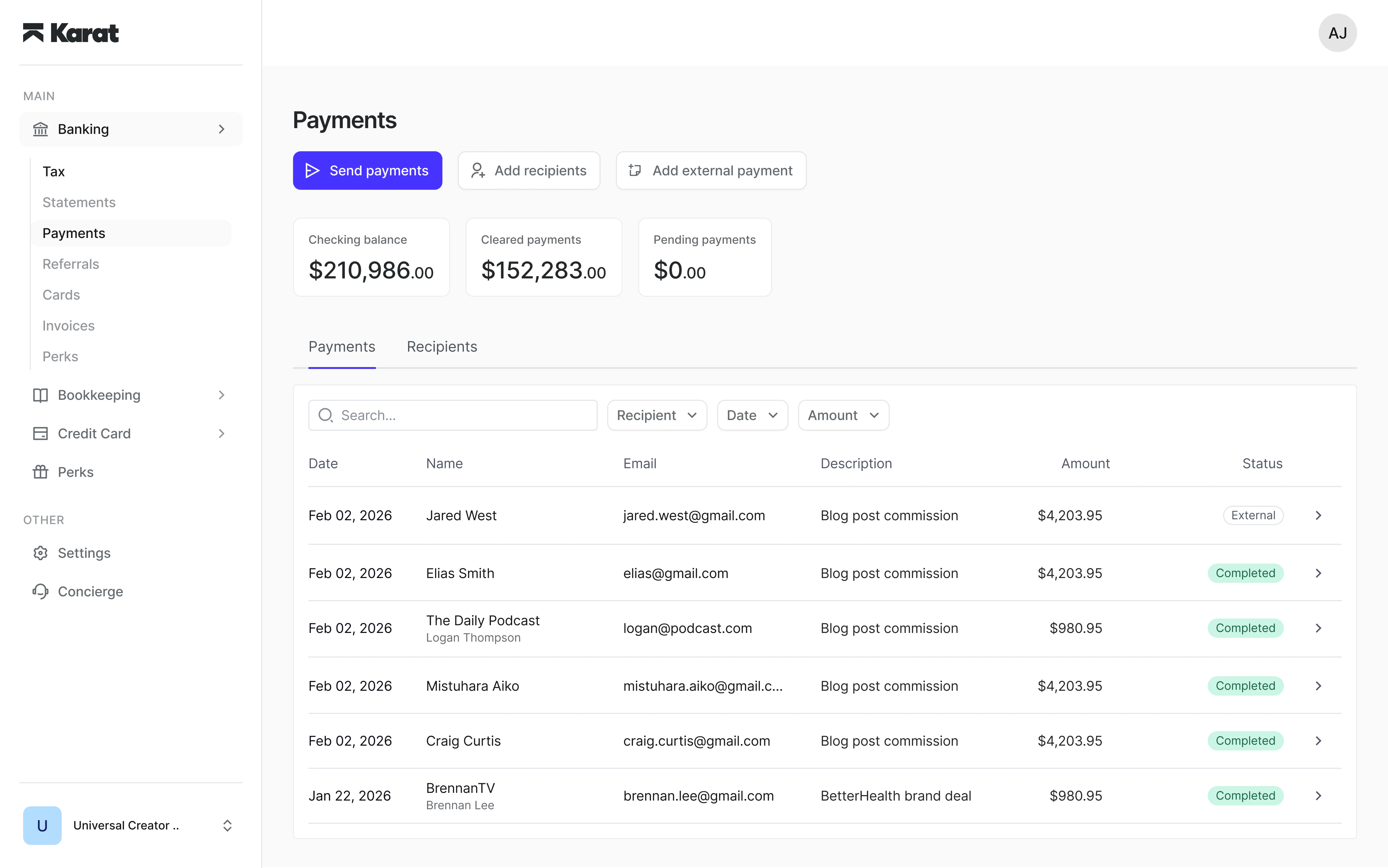
All payments can be tracked in real time from the Payments dashboard. You can view status at both the batch level and per recipient.Filtering and searching payments
Use the filter bar at the top of the payments table to narrow down results. You can combine multiple filters at once:- Search — find payments by recipient name, email, or description.
- Recipient — show payments for one or more specific recipients.
- Status — filter by payment status group:
- Cancelled — payments you cancelled before they were processed.
- Completed — payments that were successfully delivered.
- Failed or returned — payments that failed to process or were returned after delivery.
- Pending — payments that are created, in progress, or under review.
- Recipient action needed — payments waiting for the recipient to provide tax information or accept the payment.
- Date range — show payments created within a specific time period.
- Amount — filter by minimum or maximum payment amount.
Downloading a payment remittance
You can download a PDF remittance for any payment. The remittance includes the payment amount, status, recipient details, transfer information, fees, and a reference ID. To download a remittance:- Open a payment from the Payments dashboard
- Click the download icon in the payment detail view
- The PDF will be saved to your device