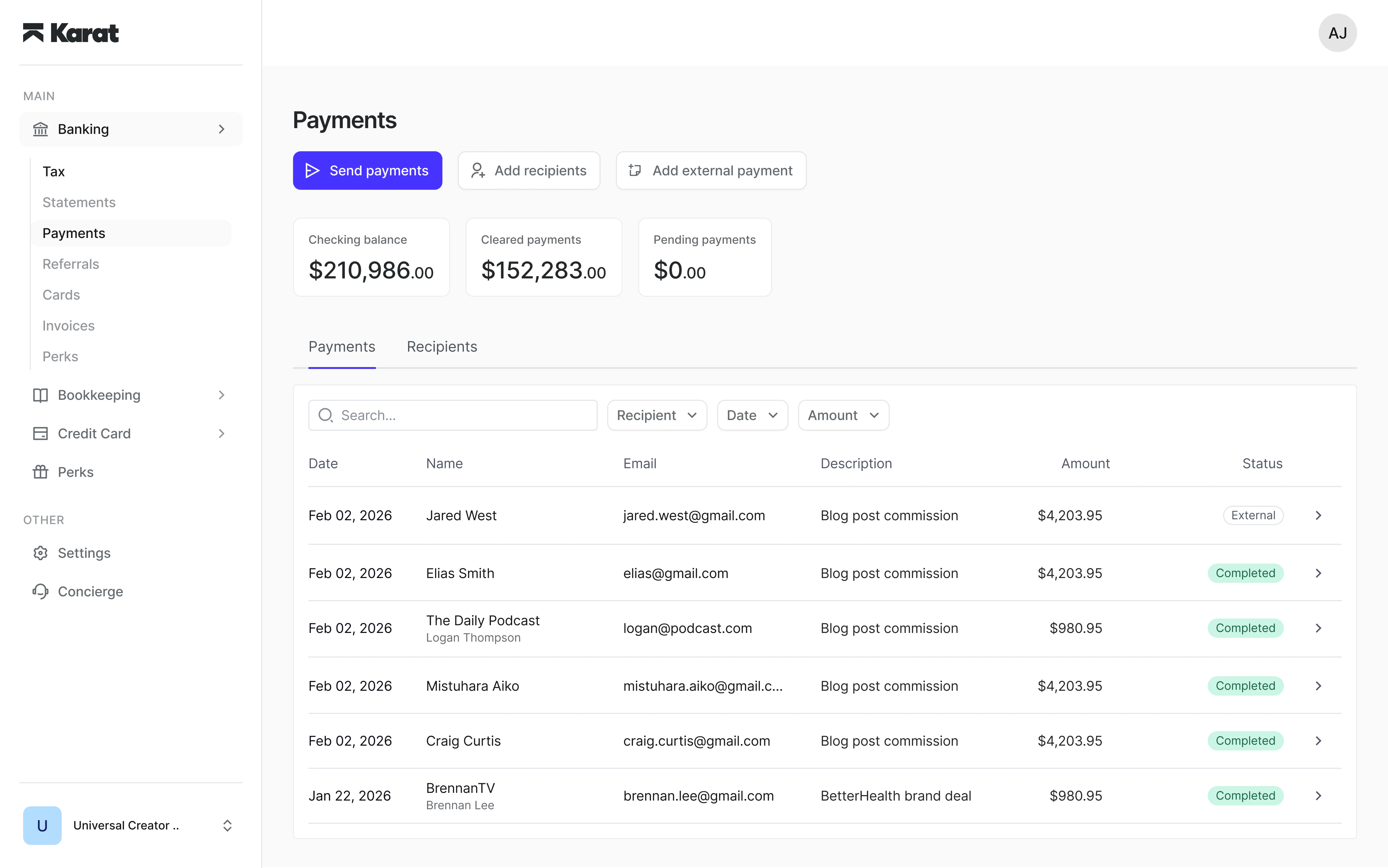
.svg?fit=max&auto=format&n=pUJV8HLlqxn-6T3g&q=85&s=040ceb56d48a4dec82a6093c659b88da)

Access requirements
Payments is available to Admin and Manager users. If you don’t see it in your account, contact banking@trykarat.com to request access.Before you send
Before sending your first payment, make sure:- Your preferred payout methods (e.g. ACH, PayPal) are enabled in payment settings
- You have sufficient funds in your account
Enabling a payout method
To enable a payout method, go to payment settings and select the method you want to activate.- Review and accept the terms for the payout method
- If your business has multiple owners, confirm each owner’s percentage
- If any beneficial owner holds more than 25% ownership, upload a government-issued ID for that owner
Identity document requirements
Beneficial owners with more than 25% ownership must provide a government-issued photo ID before the payout method can be enabled. Accepted documents include:- Passport
- Driver’s license
- State-issued ID
Setting up international payment methods
If your organization is eligible, international payments are automatically enabled when Payments is activated. You’ll see a banner at the top of the Payments dashboard prompting you to set up additional payment methods for paying recipients globally. From the banner, you can:- Click Set up now to open a guided setup flow
- Enable international bank transfers, SWIFT wire transfers, crypto, or PayPal
- Review and accept terms for each method before activation
If you only need to pay U.S.-based recipients, you can dismiss the
banner and continue with domestic payment methods only.