Skip to main content
Karat Help Center home page
Search...
⌘K
Ask AI
Contact us
iOS app
Dashboard
Dashboard
Search...
Navigation
Accessing tax documents
Getting Started
Applying
Move Money
Cards
Invoicing
Payments
Account & Settings
What is Karat Payments?
How to access Payments
Send money with Payments
Payments fees
Receiving money with Payments
Completing tax information for Payments
Accessing tax documents
Supported countries for Payments
On this page
Available documents
How to access
Accessing tax documents
Copy page
Copy page
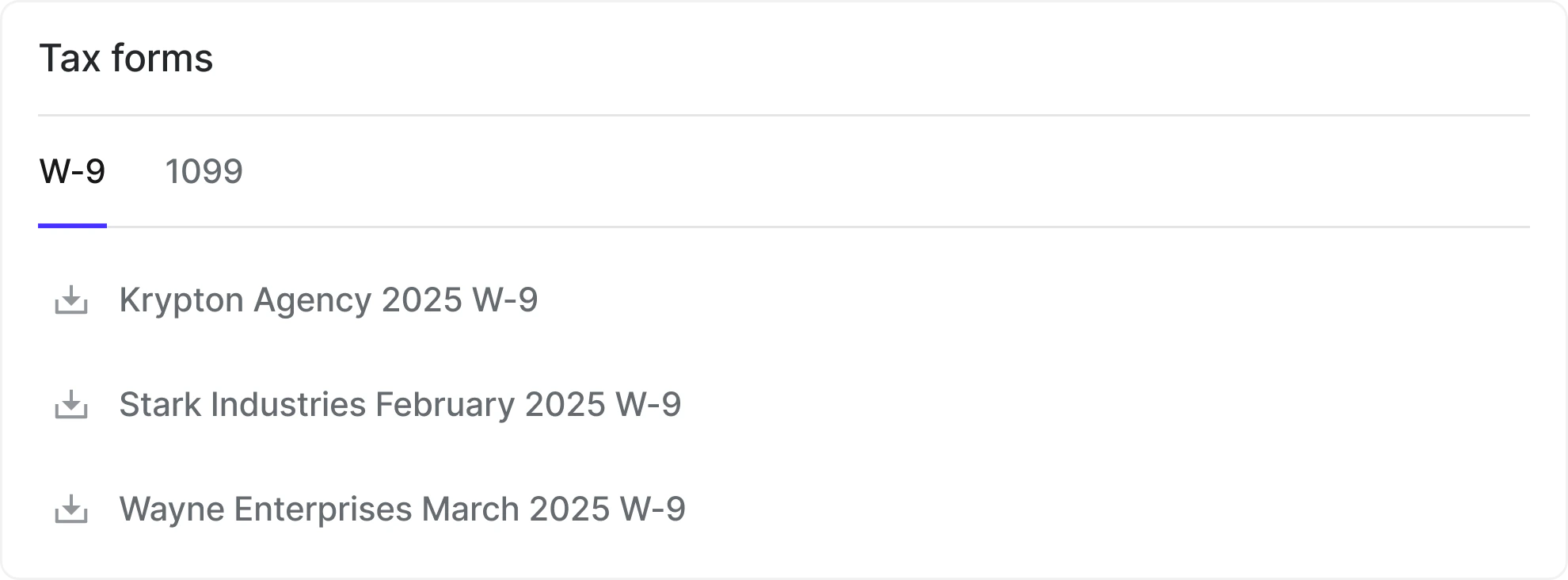
Karat automatically generates tax documents for payments you receive.
Available documents
W-9 or W-8 forms
1099-MISC/NEC forms for eligible U.S. recipients
How to access
Log in to your Karat account
Go to
Payment details
and scroll to
Tax forms
Select the relevant year and download
Documents are updated automatically if your information changes. You are responsible for keeping your information current and reviewing your documents for accuracy.
Was this page helpful?
Yes
No
Completing tax information for Payments
Supported countries for Payments
⌘I
Assistant
Responses are generated using AI and may contain mistakes.
Contact support
.svg?fit=max&auto=format&n=pUJV8HLlqxn-6T3g&q=85&s=040ceb56d48a4dec82a6093c659b88da)