.svg?fit=max&auto=format&n=pUJV8HLlqxn-6T3g&q=85&s=040ceb56d48a4dec82a6093c659b88da)

First-time setup
New recipients need to complete a one-time onboarding before funds are released:- Accept the payment invitation
- Create or log in to your Karat account
- Complete onboarding and submit tax information
- Choose how you want to be paid
Payout methods
Available methods depend on your location. Domestic (U.S.) recipients:- Karat account
- ACH bank transfer
- PayPal
- Crypto
- International bank transfer (through local banks)
- SWIFT wire transfer
- PayPal
- Crypto
Choosing SWIFT wire transfer
If you select SWIFT wire transfer as your payout method, you’ll need to provide:- Beneficiary type — whether you are an individual or a business
- Your full legal name (up to 35 characters)
- Your address (street, city, and country)
- Your bank’s SWIFT/BIC code (8 or 11 characters)
- Your bank account number
- An optional routing number
- Verified — you passed compliance checks and can receive transfers.
- Pending — verification is still in progress. Payments sent to you will be held until verification completes, then released automatically.
- Disabled — you did not pass compliance checks and cannot receive transfers via SWIFT. Choose another payout method.
Future payments
After your first payment, your payout method is saved and future payments are processed automatically. You can update your method anytime from app.trykarat.com/payments.Managing your payments
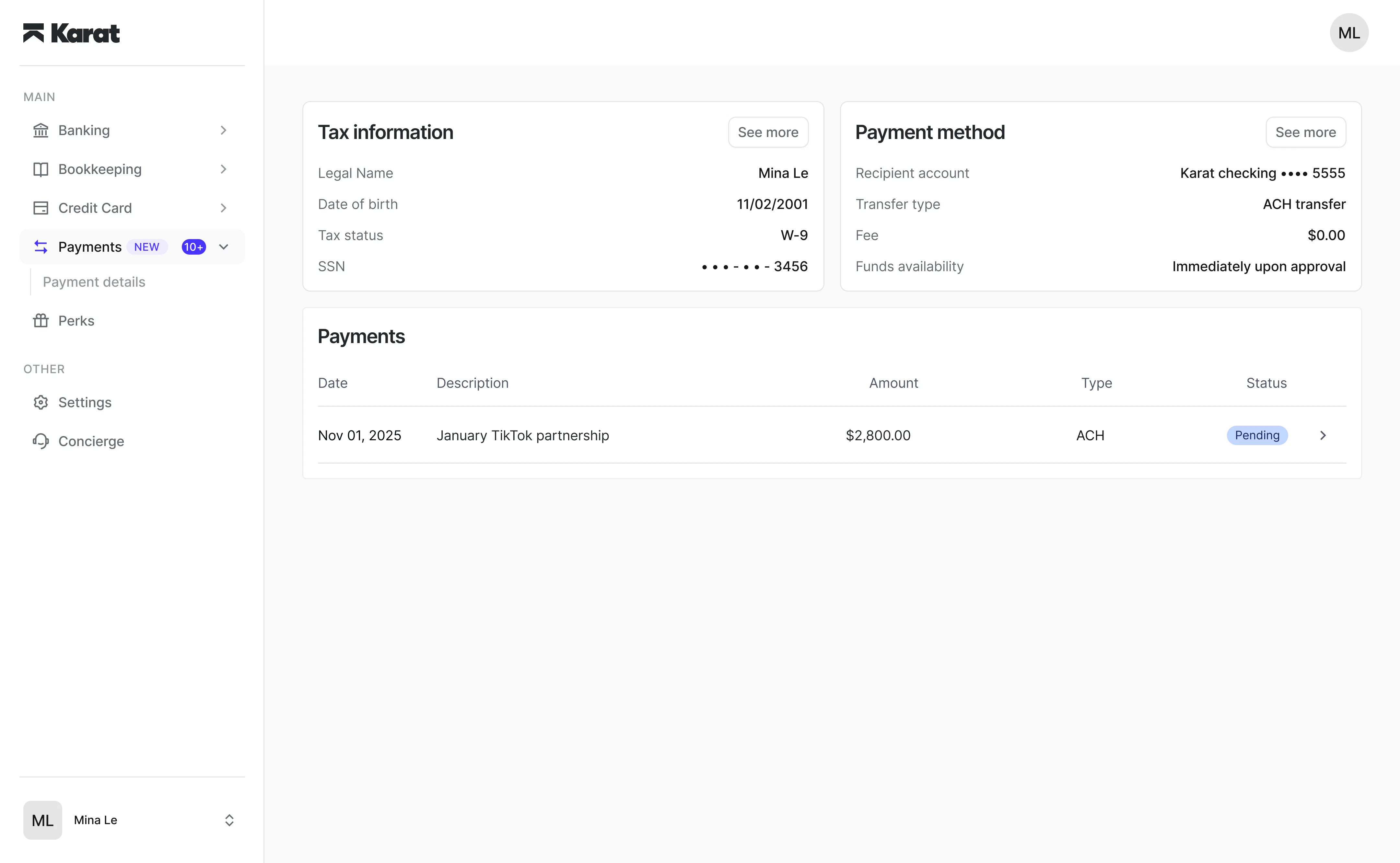
From your dashboard, you can:- View payment history
- Update payout methods
- Under “Payment method” click “See more” and edit your primary payment method.
- Manage tax information
- Download tax documents