.svg?fit=max&auto=format&n=pUJV8HLlqxn-6T3g&q=85&s=040ceb56d48a4dec82a6093c659b88da)

First-time recipients
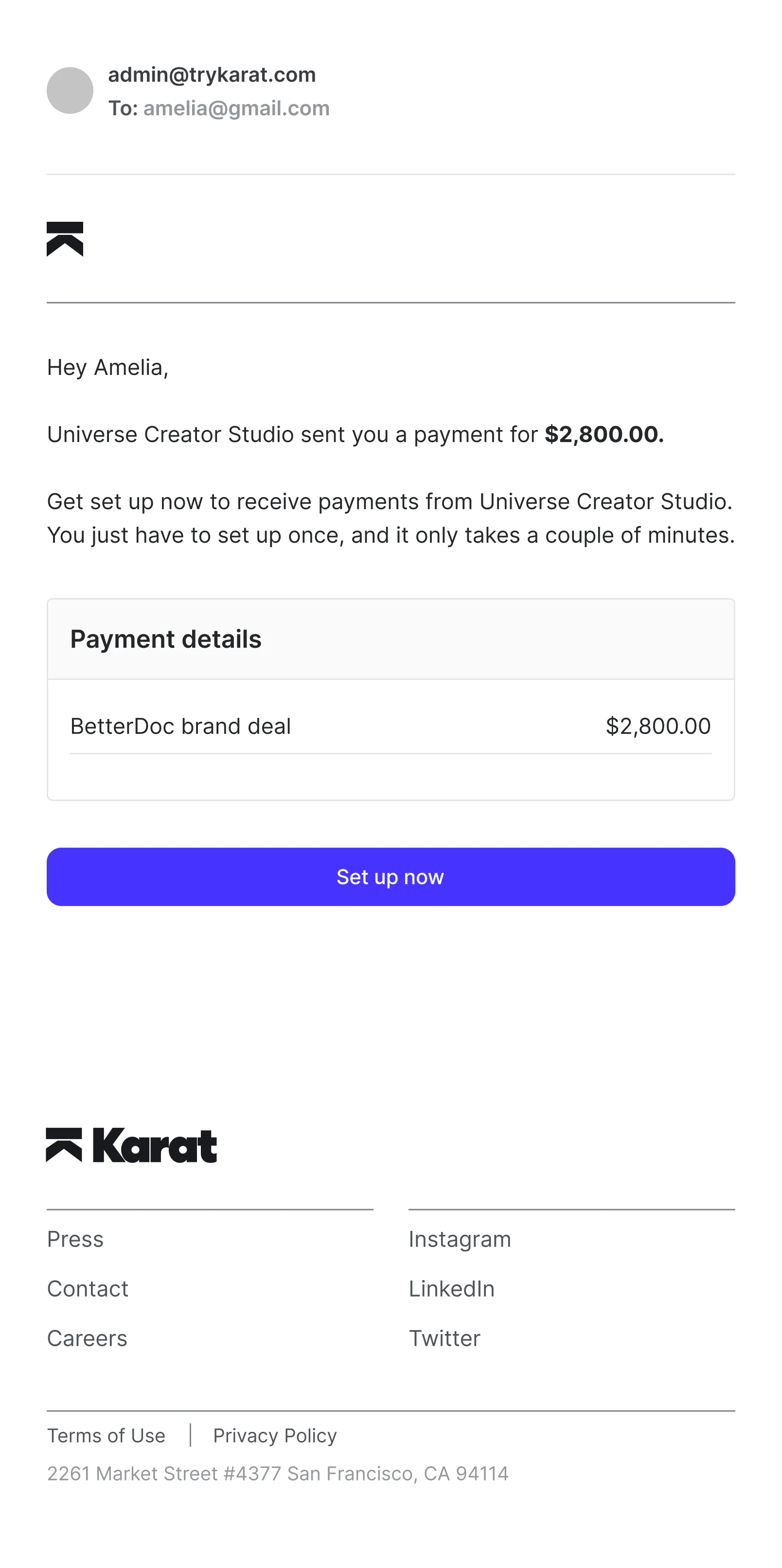
If this is your first payment from a sender, you’ll need to:- Accept the payment invitation
- Create or log in to your Karat account
- Complete onboarding
- Submit your tax information
- Choose how you want to be paid
Choosing a payout method
Available options depend on your location.Domestic recipients may use:
- Karat account
- ACH (bank transfer)
- PayPal
- Crypto
International recipients may use:
- International bank transfer
- Wire transfer
- PayPal
- Crypto
Future payments
After your first payment:- Your payment method is saved
- Future payments are processed automatically using that method
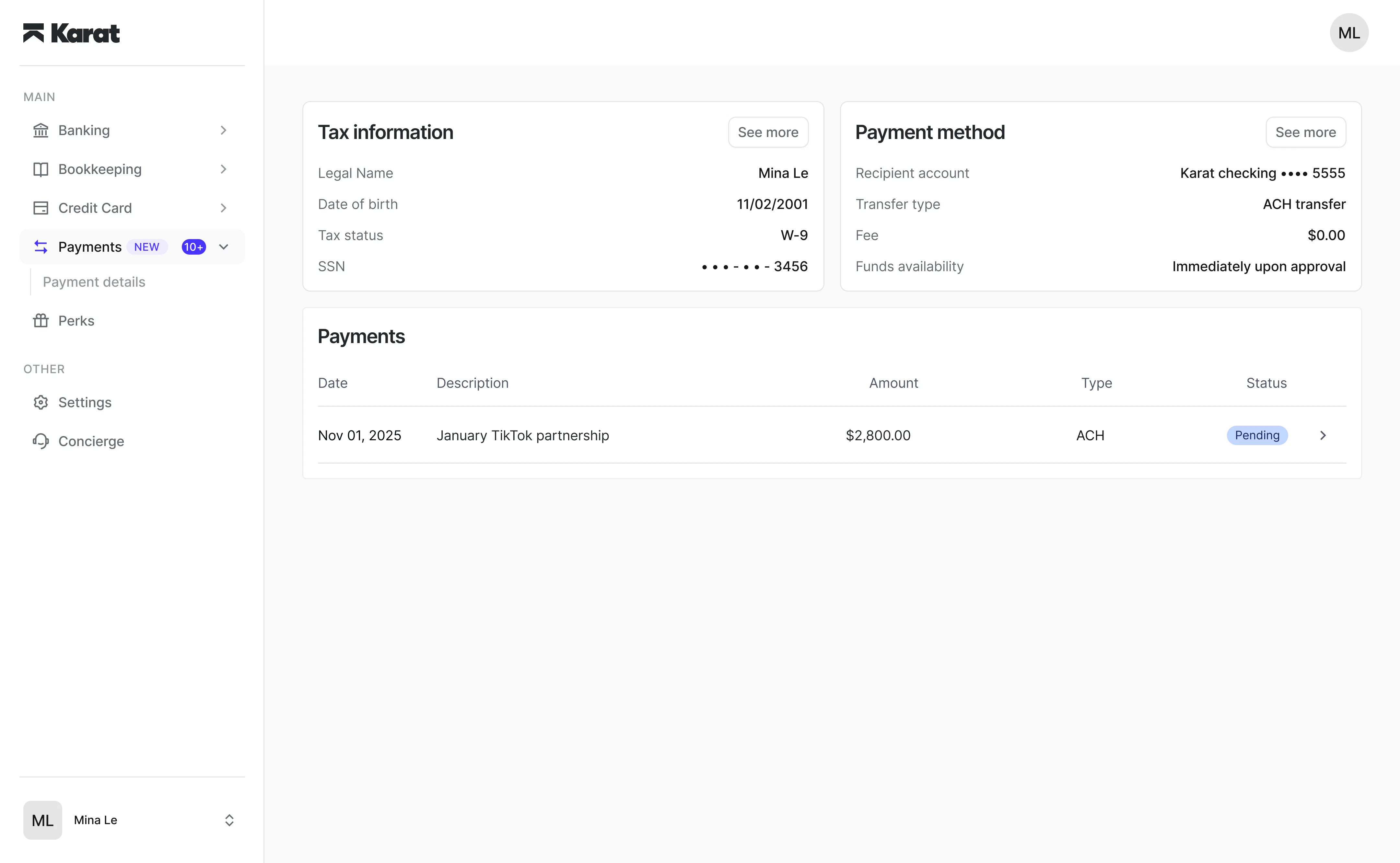
- You can update your payment method anytime from app.trykarat.com/payments
Managing your payments
From your dashboard, you can:- View payment history
- Update payout methods
- Manage tax information
- Download tax documents