.svg?fit=max&auto=format&n=pUJV8HLlqxn-6T3g&q=85&s=040ceb56d48a4dec82a6093c659b88da)

Ways to send payments
You can send payments in two ways:1. Individual payments
Send a payment to a single recipient.2. Bulk payments (CSV upload)
Upload a CSV file to pay multiple recipients at once. We provide a template to help you format your file correctly.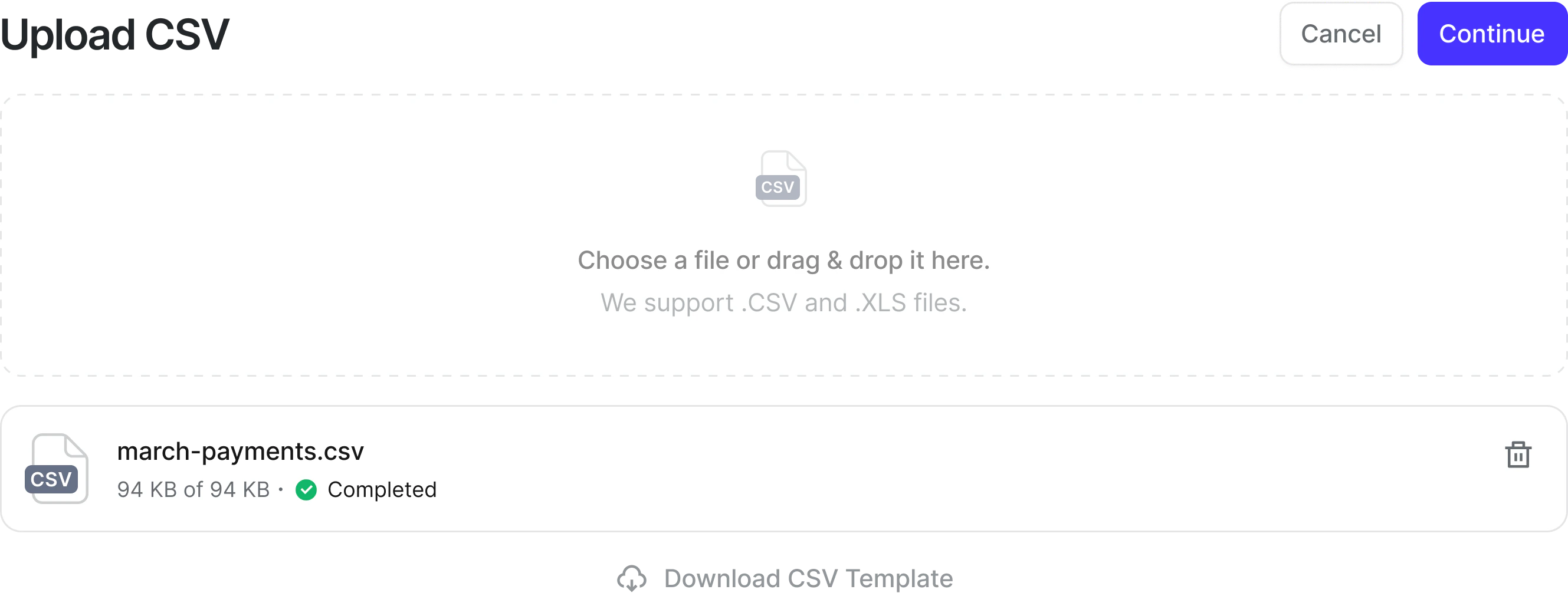
Sending a payment
- Go to Payments
- Choose Send payments
- Add recipients or upload a CSV
- Review payment details
- Submit the payment
- A hold on the funds is placed on your account
- Recipients are notified
What happens next?
- New recipients must complete onboarding before receiving funds
- Returning recipients are paid automatically using their saved method
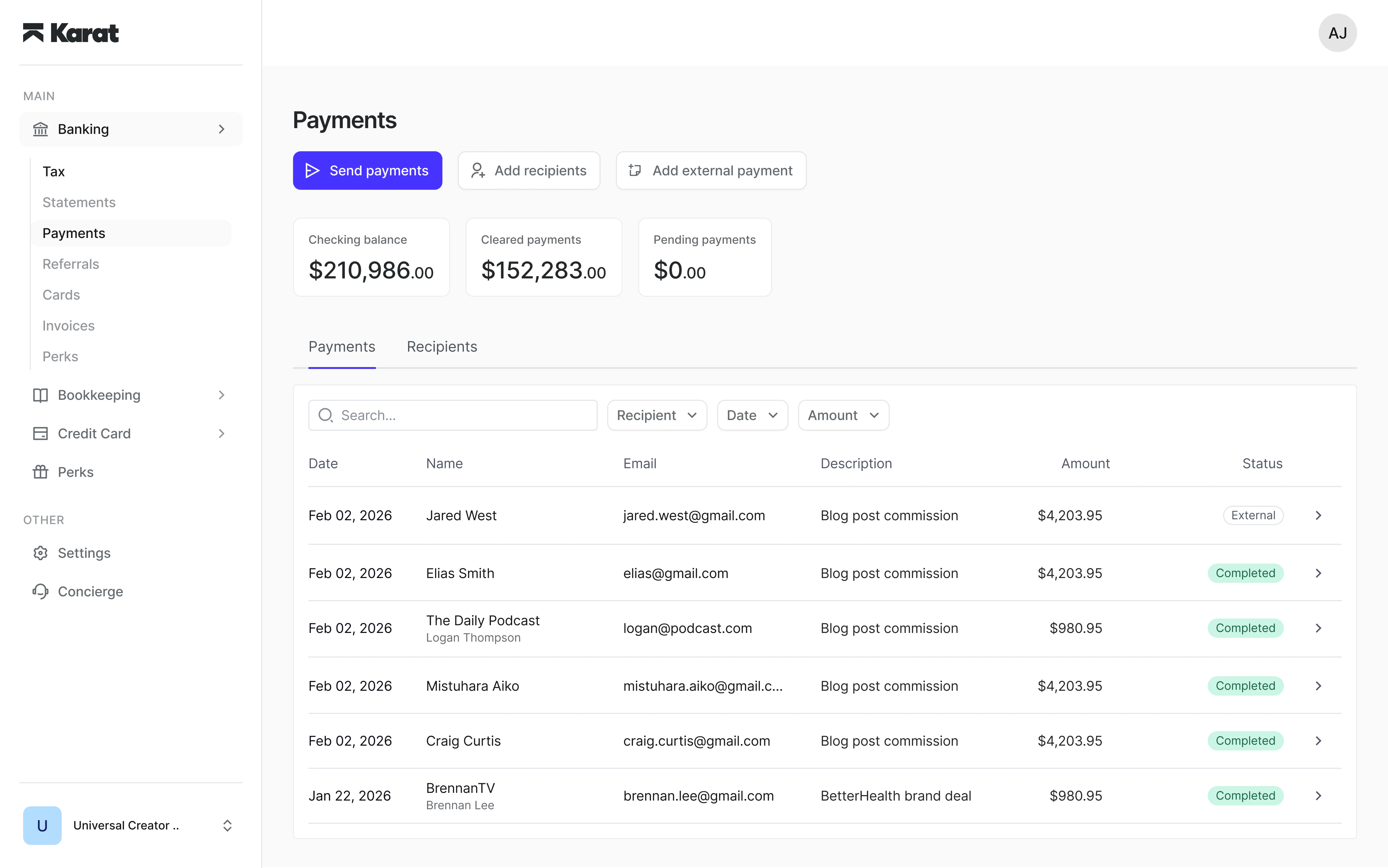
Tracking payments
You can track all payments in real time, including:- Pending
- In progress
- Completed
- Failed
- Batch-level status
- Individual recipient status
Recording off-platform payments
If you paid someone outside of Karat, you can still record it. This helps:- Keep your records are complete
- Ensure accurate tax reporting and 1099 generation (for domestic recipients)