.svg?fit=max&auto=format&n=pUJV8HLlqxn-6T3g&q=85&s=040ceb56d48a4dec82a6093c659b88da)

Who has access?
Payments is available to:- Admin users
- Manager users
How to get started
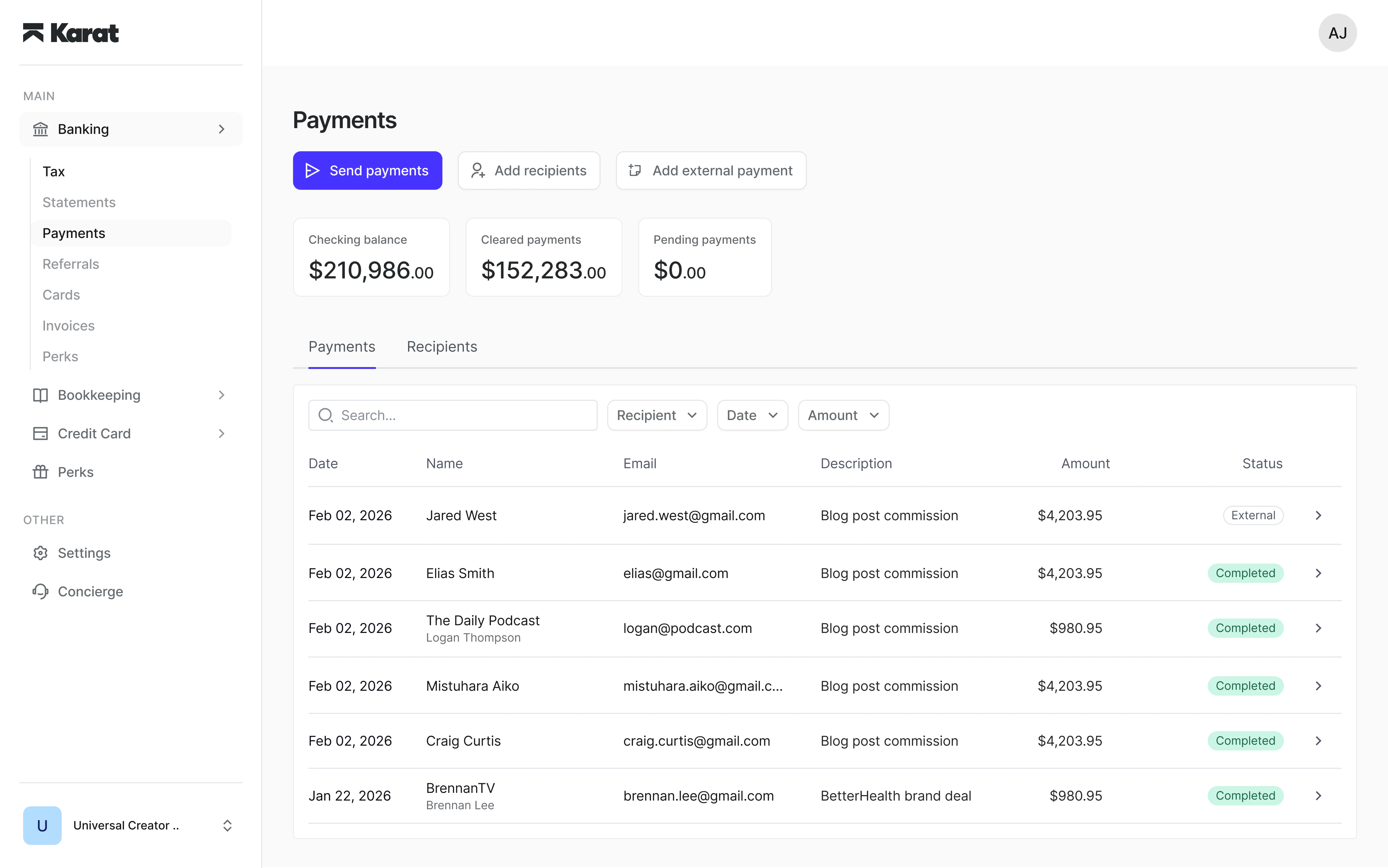
- Log in to your Karat account
- Navigate to the Payments section
- Complete any required setup steps (such as enabling payout methods)
Initial setup
Before sending payments, you may need to:- Enable available payment methods (ACH, PayPal, etc.) from your payment settings
- Confirm your account is fully set up
- Ensure you have sufficient funds in your account
Important notes
- Payments can only be sent using available funds in your Karat account
- Karat does not advance or front payments
- You must have “good funds” available before sending payments