.svg?fit=max&auto=format&n=pUJV8HLlqxn-6T3g&q=85&s=040ceb56d48a4dec82a6093c659b88da)

What documents are available?
Depending on your situation:- W-9 or W-8 forms
- 1099 forms (for eligible U.S. recipients)
How to access your documents
- Log in to your Karat account
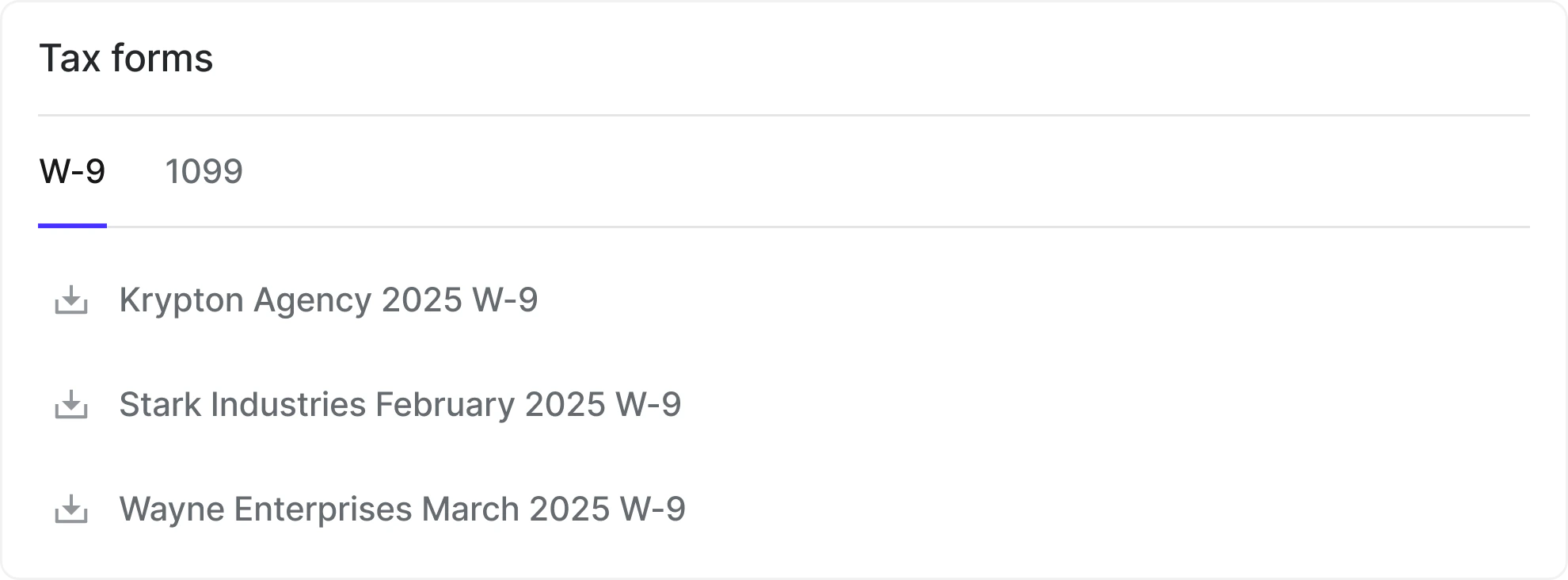
- Go to Payment details and scroll down to “Tax forms”
- Select the relevant year
- Download your documents
Important notes
- Documents are generated automatically
- Forms are updated if your information changes
- You are responsible for providing updated information to Karat as changes to your information (name, address, etc.) are made
- You are responsible for reviewing your documents for accuracy