.svg?fit=max&auto=format&n=pUJV8HLlqxn-6T3g&q=85&s=040ceb56d48a4dec82a6093c659b88da)

Login to Quickbooks Online
- On the left panel, select “Accounting”
- Then, select “Bank transactions” at the top
- Click “Link account”
In the search box, enter "Karat" and select "Karat Financial" to continue
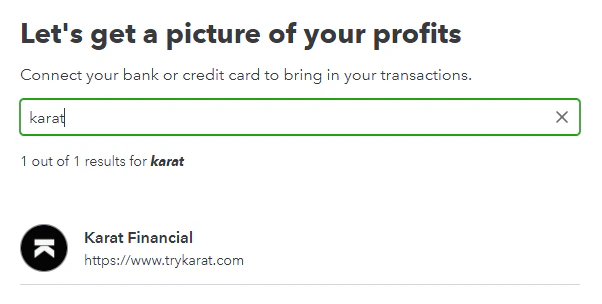
In order to connect to Quickbooks, you must have admin permissions in the Karat account you are looking to connect.
Select the Karat accounts you'd like to share with QuickBooks, and click Connect selected accounts
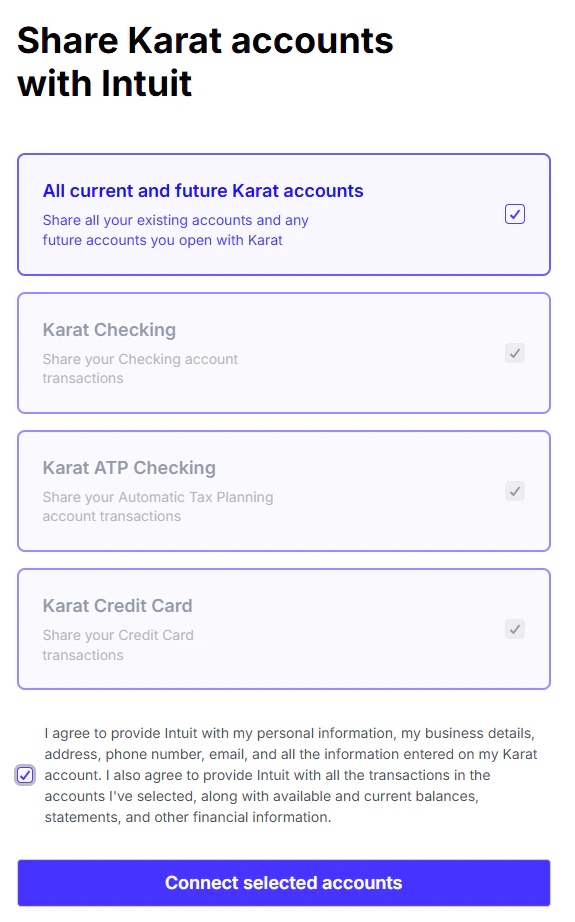
Confirm you'd like to share permissions and all Karat accounts are visible and the correct types before continuing
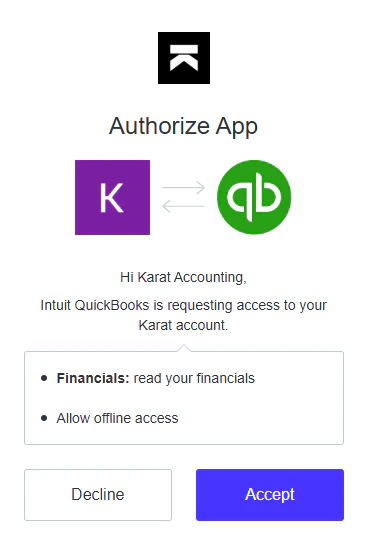
Choose the date range to pull in your Karat transactions (up to 24 months), and click "Connect"
Karat Banking Checking and ATP Checking accounts are “checking” account types. Karat Card is a “credit card” account type.